User Interface Operation
The software can be operated with the touch-sensitive screen using touch gestures or the included touchscreen pen.
Operation with Touch Gestures
Gestures with One Finger | Application |
|---|---|
Tap
|
|
Drag
|
|


Navigation
In the modes Sewing and Embroidery as well as in the settings, the navigation path  to the current content is displayed, allowing you to return to a specific level in the path.
Activating/Deactivating Functions
You can switch functions on and off as follows:
- Tap the Switch
- Green: Function is switched on.
- Red: Function is switched off.
- Tap Icons
- Outlined in White: Function is switched on.
- Gray: Function is not available.
- Outlined in Yellow: Function or value deviates from the default value.
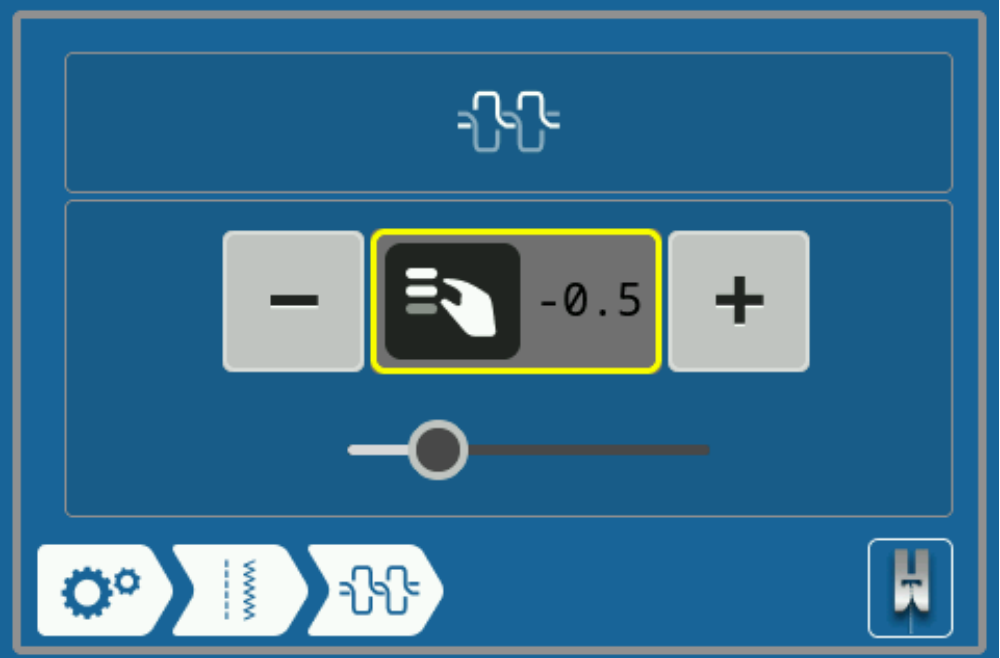
Setting Values
You can set values as follows:
- Slider
- Set the value with the slider control or reset the value to the default by tapping the small bullet.
- Plus and Minus Icons
Modified values are marked in yellow. You can reset a modified value to the default value by tapping the field outlined in yellow.