Creating Lettering
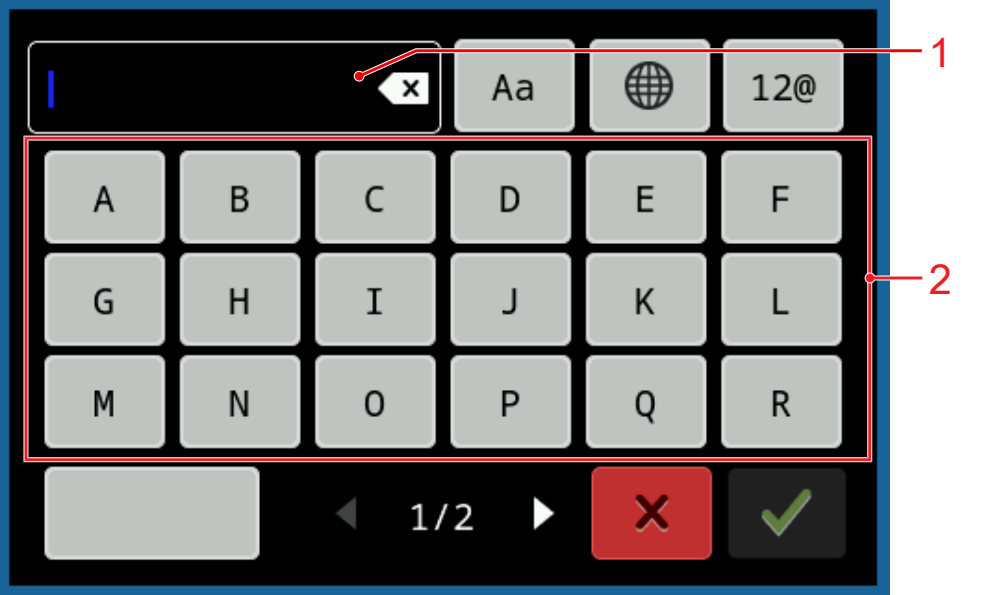
1 | Text Preview | 2 | Keypad |
- Tap the tab File
 .
. - Tap the Loading the Embroidery Design
 icon.
icon. - The selection area appears.
- Tap the folder Lettering
 in the selection area and select a font.
 - Type in the text using the on-screen keyboard.
- Confirm the completed text.