Load Stitch Pattern
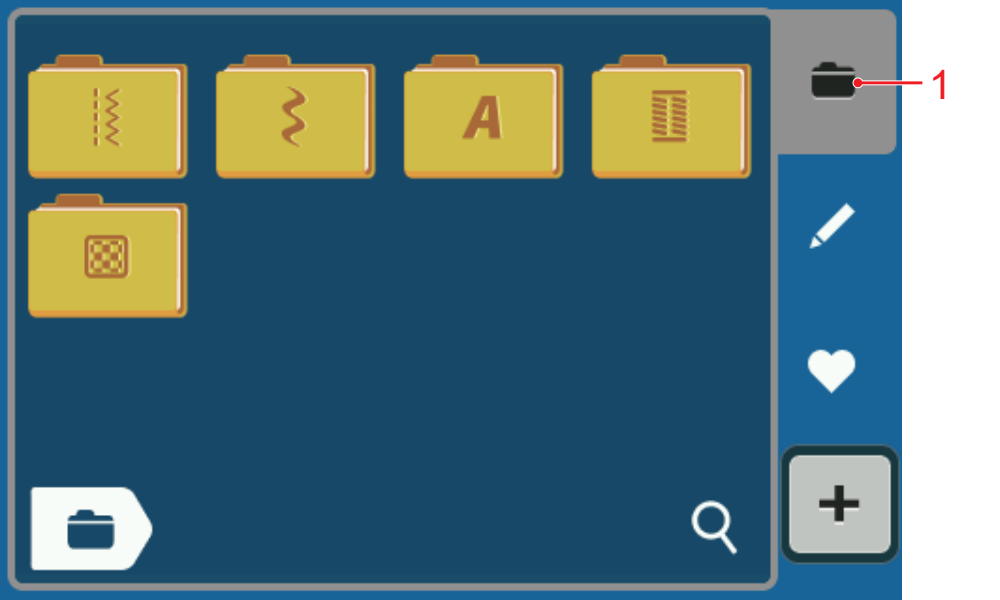
1 | Stitch Selection |
- Tap the selection area in the quick access bar.
- Tap the desired stitch category.
- Search for the desired stitch pattern and select it.
- The stitch pattern is displayed in the stitch preview.
Further information on the selection area can be found in the stitch selection. Stitch Selection