Update Firmware
Use the Update Firmware function to install the latest version of the firmware on your machine.
Prerequisite:
- The machine is connected to a Wi-Fi network.
If an update is available, an exclamation mark will appear on the start page.
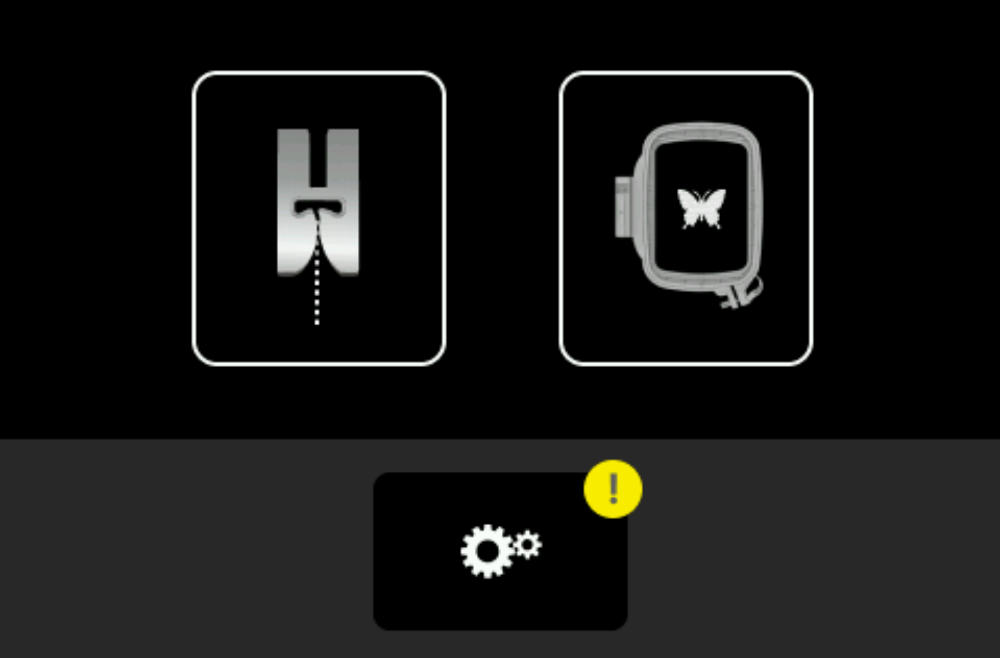
Installing Update
Settings ► Machine
 ► Information
 ► Machine Data
- Tap the Update Firmware icon.
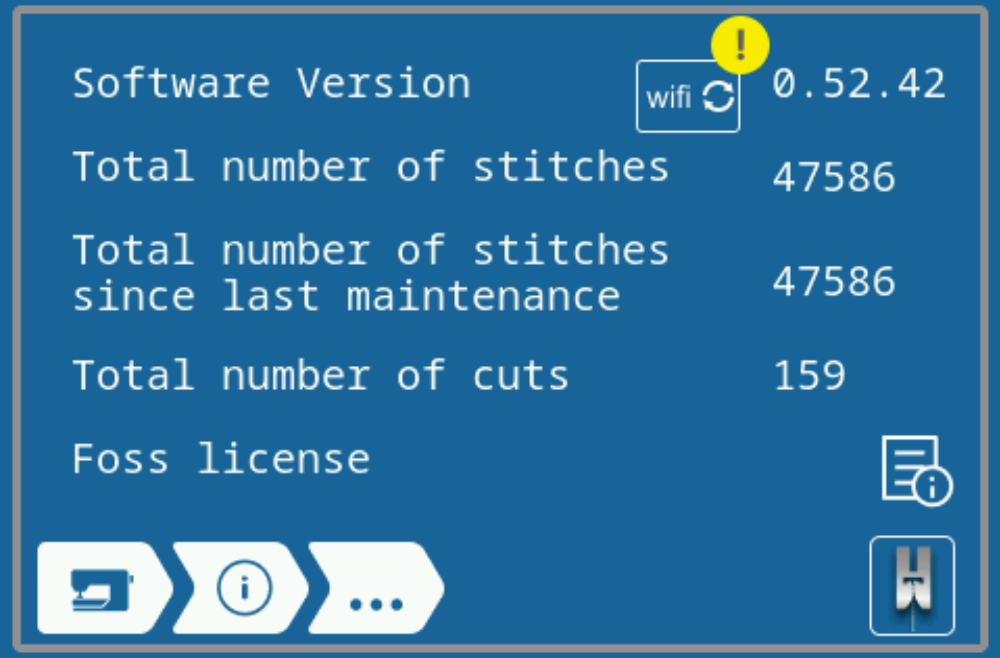
- The firmware update is installed.
- Once the firmware update has been successfully completed, the machine returns to the start page.