Checking the Stitch Plate in the User Interface
After changing the stitch plate, it can be checked whether it can be used with the selected needle.
- Tap the Stitch Plate/Needle Selection icon.
- The mounted needle plate is automatically detected and shown in the display.
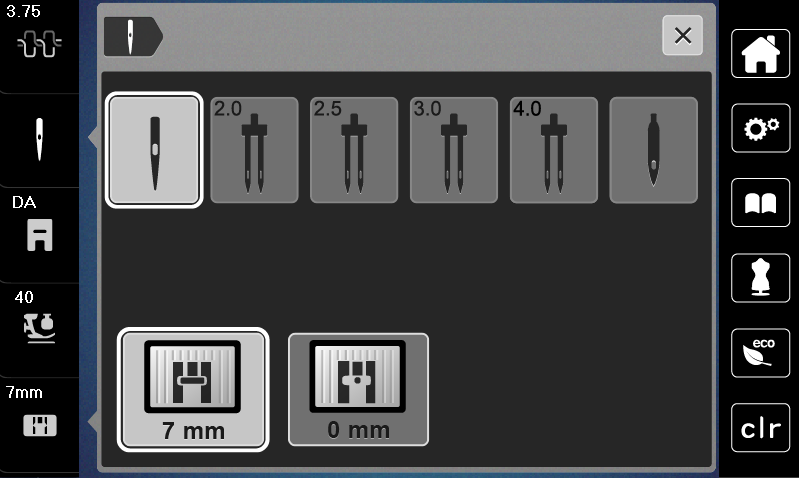
- If the selected stitch plate is suitable to be used in combination with the needle, sewing can begin.
- The stitch width is automatically set to the permissible value.
- If the selected throat plate is unsuitable for use with the needle, a red exclamation mark appears.