Sewing On Buttons
The Button sew-on Program can be used to sew on buttons with two or four holes, press studs or snap fasteners. To enhance the stability, the Button sew-on Program can be sewn twice. As for a button with 4 holes, the two front holes should be sewn first.
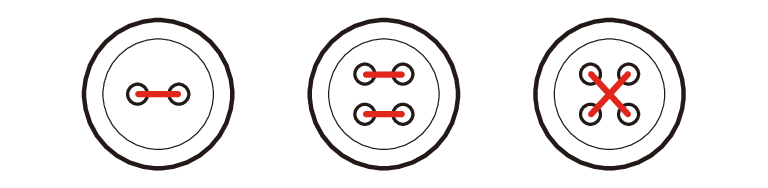
The first securing stitch of the Button sew-on Program always stitches into the left hole of the button.
- Attach the Button sew-on foot (RC).

- Tap the Buttonholes icon.
- Lower the feed dog.
- Select the Button sew-on Program No. 60.
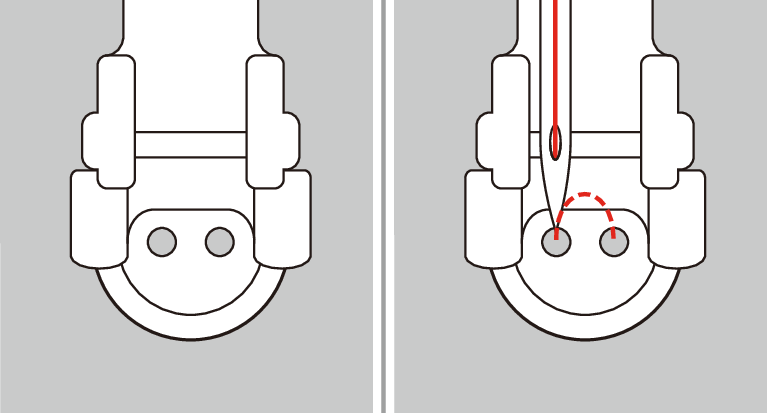
- Fit the button into the sewing project.
- Check distances between holes with the handwheel. If necessary, alter the stitch width.
- Hold the threads when starting to sew.
- The machine sews the buttonhole program and stops automatically.
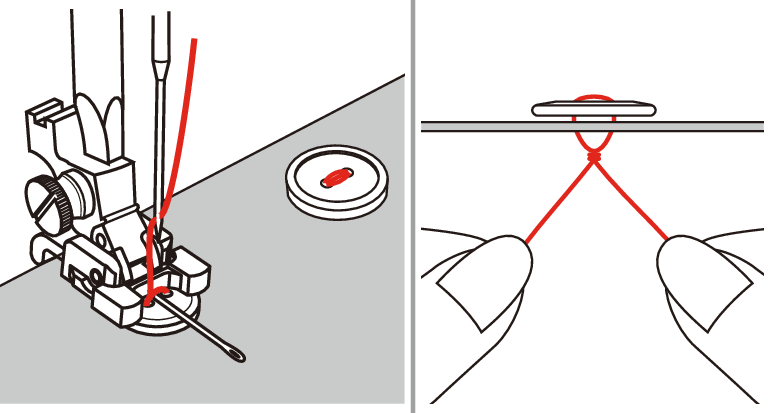
- When a stem is needed, place a darning needle on the button and sew.
- Pull the two bobbin threads until the thread ends of the upper threads are visible on the wrong side of the fabric.
- Tie the threads manually.