Editing Functions
Sewing ► Edit
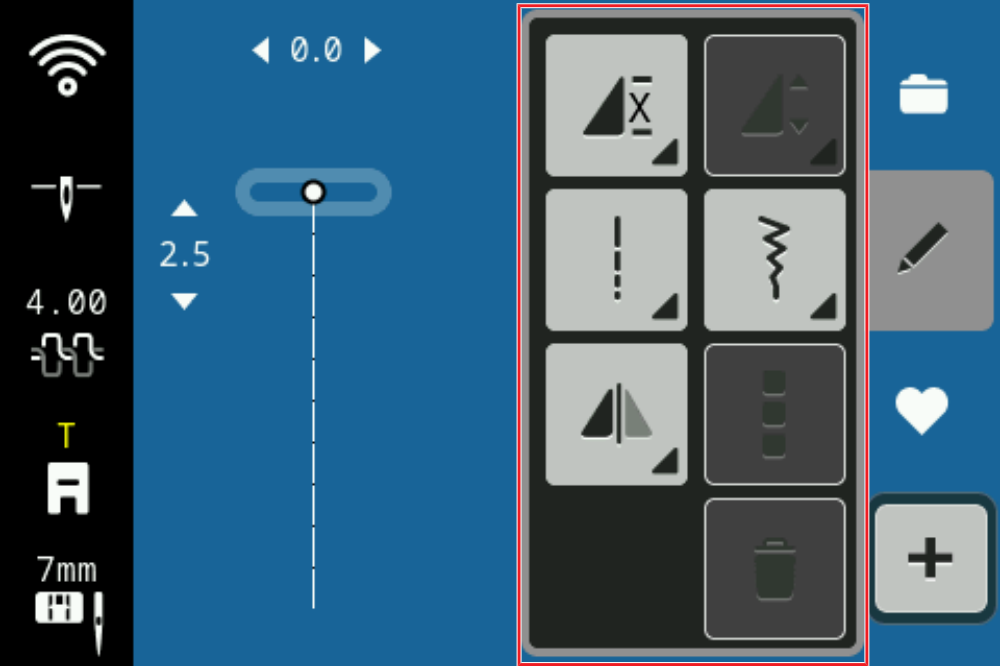
With the Edit function, you can view the editing functions for the selected stitch.
Repeat
Sewing ► Edit ► Repeat
With the Repeat function, you can set the number of repeats of a stitch pattern after which the machine should stop. You can set up to 9 repeats. The number of repeats still to be sewn is displayed on the Sewing Screen.
If you tap and hold the Repeat button, the function is switched off.
The function Tie-Off allows you to automatically add securing stitches at the end of the repeated stitch pattern.
Mirror Left/Right
Sewing ► Edit ► Mirror Left/Right
With the Mirror Left/Right function, you can mirror a stitch pattern along the vertical axis.
By tapping on the icon Mirror Left/Right, the icon Mirror Up/Down becomes visible too.
Mirror Up/Down
Sewing ► Edit ► Mirror Up/Down
With the Mirror Up/Down function, you can mirror a stitch pattern along the horizontal axis.