Quick Access Bar
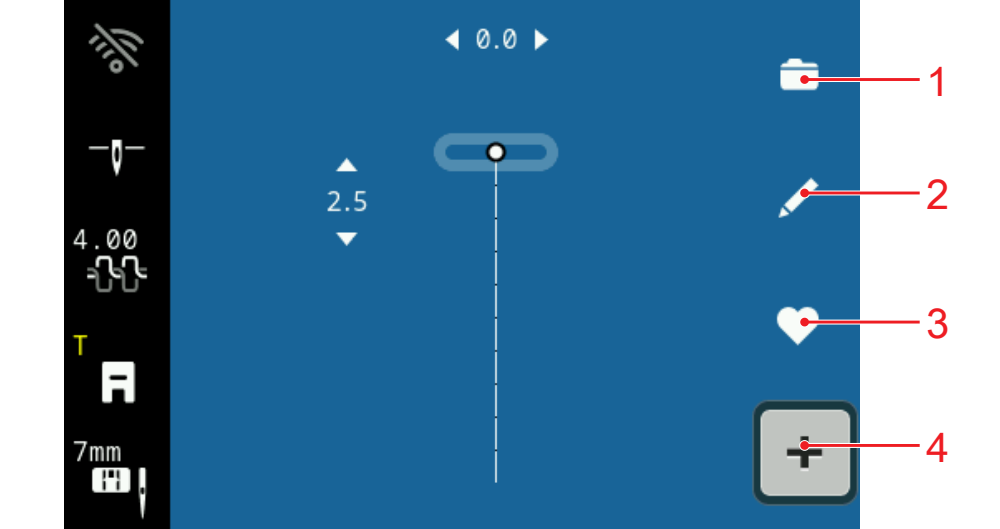
1 | Selection Area | 2 | Edit |
3 | Personal Folder | 4 | Combi Mode |
Selection Area
In the selection area, you can navigate through the folders and load a stitch pattern. Each stitch pattern is displayed with a preview image.
If you tap the icon in the preview, the stitch pattern is loaded.
Edit
With the Edit function, you can open the stitch pattern editing functions. Stitch Pattern Editing
Personal Folder
In the folder Personal Folder , you can save and load your own stitch pattern. You can organize the stitch patterns in folders.
 you can switch the combi mode on and off.